

Betway login in South Africa: quick guide & fixes
When you just want to place a quick acca before kick-off, wrestling with a sign-in screen is the last thing you need. Here’s a clean, South Africa-specific guide to logging in to Betway, fixing common issues, and keeping your account safe.
How the sign-in works on Betway South Africa
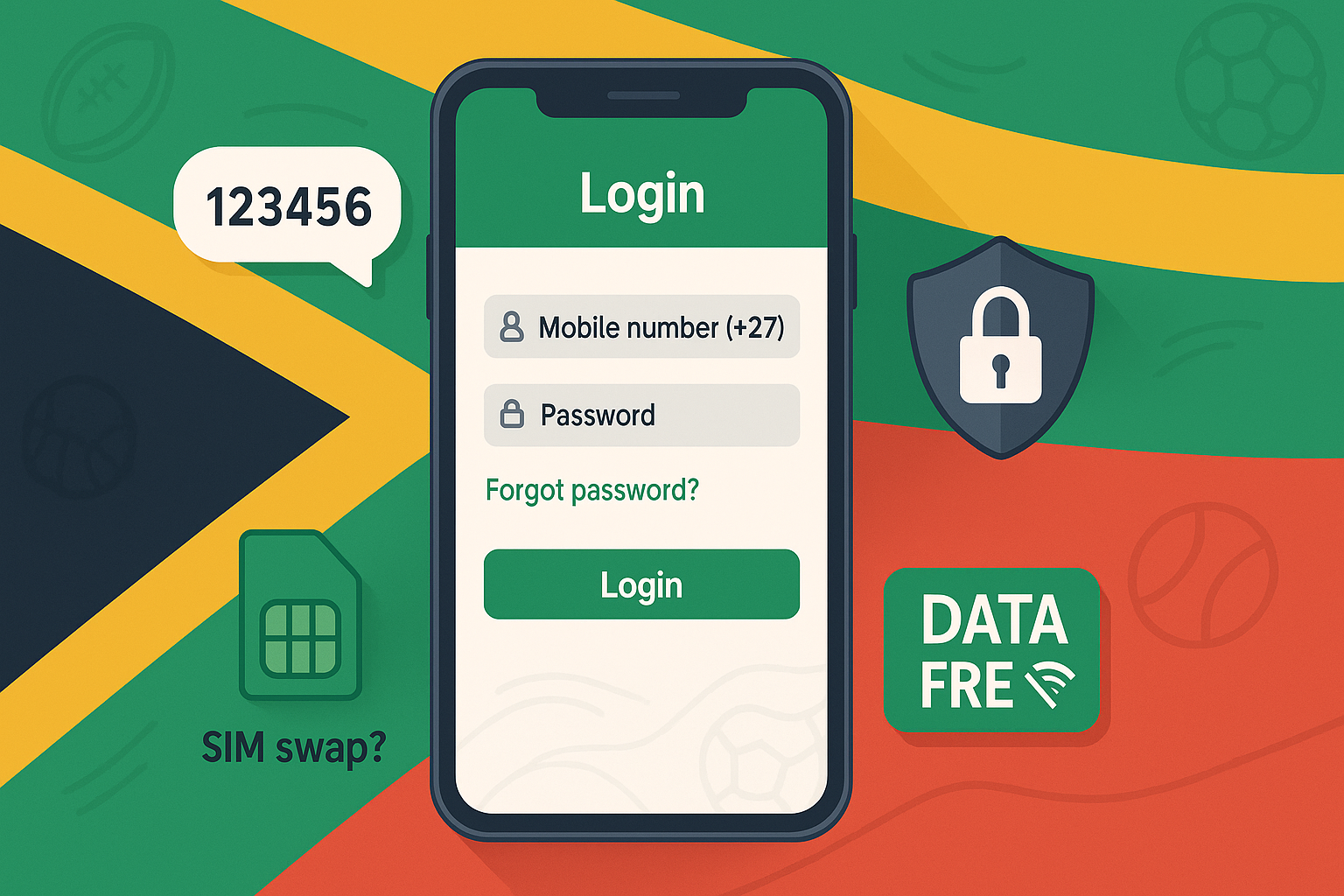
On Betway, you log in with your mobile number and password. It’s the same on the mobile site and inside the official iOS app. Android users install the Betway APK from the site and then sign in using the same details. This isn’t fancy, just fast — and it keeps your betting flow simple.
Step-by-step: web and app



- Hit “Betway login” on the top bar.
- Type your SA mobile number and your password.
- Press “Login”.
• iPhone: the App Store version mirrors the layout, so the rhythm is identical.
• Android: after you’ve installed the APK from Betway’s site, open the app and repeat the process. One minute, tops.
Forgot your password?
Two easy routes. First, use the website’s “Forgot password?” link: enter the number you registered with, request a reset, and follow the SMS code steps to create a new password. Second, if you’re away from data, send an SMS with the word “Reset” to the Betway short code; you’ll receive a new temporary password and can change it after logging in. Handy when you’re out at the braai and the Wi-Fi ain’t playing ball.
Data Free: logging in without burning data
Betway’s Data Free mode lets you access the site for sports (pre-match and in-play) and Four To Score without using mobile data. You still need to sign in with your account to place bets. It doesn’t cover casino and live casino games, but for a quick flutter on rugby or PSL, it’s a lifesaver.
First sign-in after registration: expect a quick ID check
If you’re logging in for the first time, don’t be surprised by an on-screen prompt asking for an ID document. That’s standard SA compliance and usually a once-off step. Upload clearly, match your details, and you’re back to the action before half-time.
Troubleshooting your Betway sign-in
- Password errors
— Try the reset link first. If the SMS code doesn’t arrive immediately, give it a minute — then request again. Double-check you’re using the same mobile number you registered with. - Number format
— Use your South African number as prompted on the login form. If you recently did a SIM swap, update your details in “My Account” after you get back in. - Account locked after multiple tries
— Happens. Step away for a few minutes, then run the password reset flow. If the lock persists, ping Live Chat from the homepage; the team will verify you and unlock the profile. - App won’t open or keeps crashing
— On Android, uninstall and reinstall the latest APK from Betway’s official page. On iOS, update via the App Store. Clear cache if you’re using the mobile web. Nine times out of ten, that’s the fix.
Security tips South African punters actually use
• Create a strong passphrase — at least three random words and a number — and don’t reuse it from your email or banking.
• Keep SMS reset codes away from prying eyes; if you suspect your number’s compromised after a SIM swap, reset your password immediately and contact support.
• Log out on shared devices. Basic, but it saves you.
Responsible, licensed, and local
Betway South Africa operates under the Western Cape regulator and follows local responsible gambling rules. You’ll see reminders across the site to bet only if you’re eighteen or older, plus tools to limit deposits and cool off if you need a breather.
Quick answers to common “betway login” questions
• Can I sign in on Data Free? — Yes, for sports and Four To Score once you’ve opened the Data Free page. You’ll still authenticate like normal.
• Is the Android app on Google Play? — In SA, grab the Android APK directly from Betway’s site; iOS users use the App Store. Simple.
• What if I forget my security answer? — Use the SMS reset option or reach Live Chat with your ID handy. They’ll help you regain access.
One small story from the press box
During a Currie Cup nail-biter, a reader DMed to say he’d mistyped his number three times and locked himself out at 78 minutes — still got back in with an SMS reset and cashed out part of his multi. “Sorted, thanks,” he wrote. Sometimes the basics win ’em games.
Final checklist before you bet
• Know your number and password.
• Keep a reset route in mind.
• Use Data Free when you’re low on data.
• Verify once, then enjoy smoother logins the next time.
• If anything breaks, Live Chat is your friend.
Questions? Advert? Click here to email us.